
Guides and fixes
Projectivy Launcher Guides
Guides written from hands-on use on real TV hardware: setup in order, a calmer home screen, shortcuts that remove the input hunt, and fixes for the problems that actually happen.
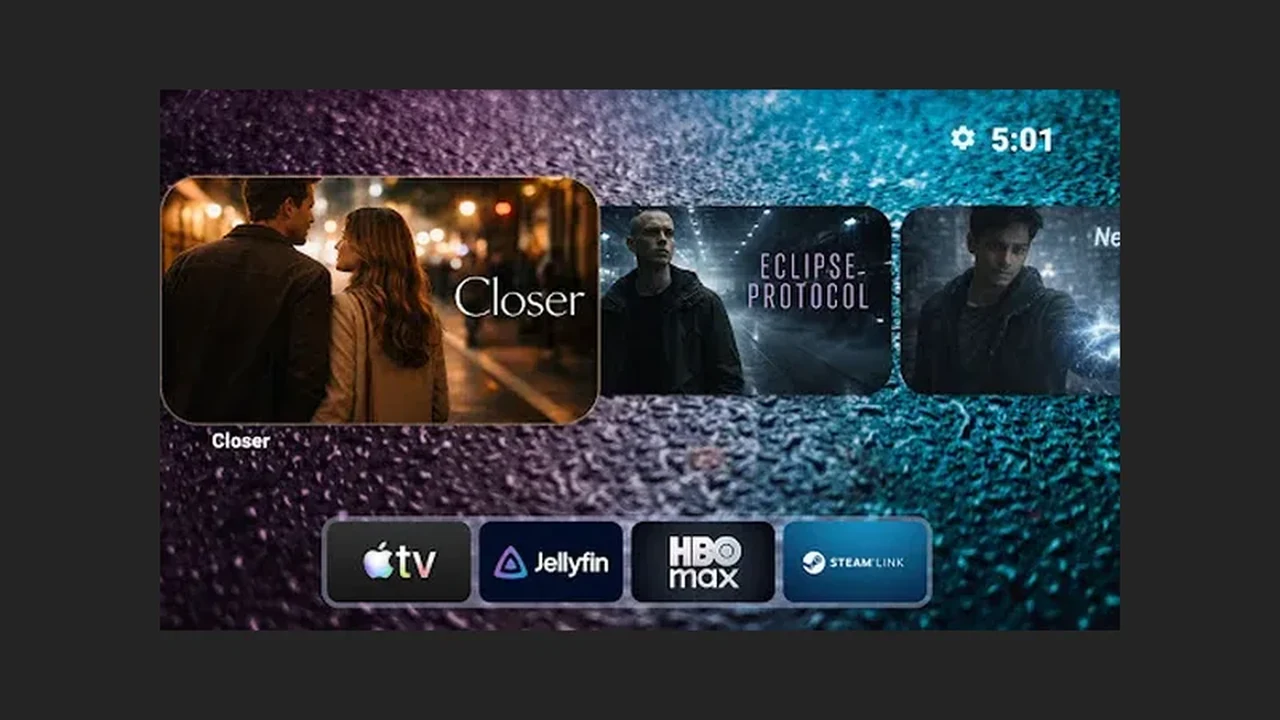 Projectivy Launcher Setup Guide: From Install to First Movie Night
Set up Projectivy Launcher in order: install from Google Play, set it as default, build categories, add input shortcuts, and back up the layout.
Read guide →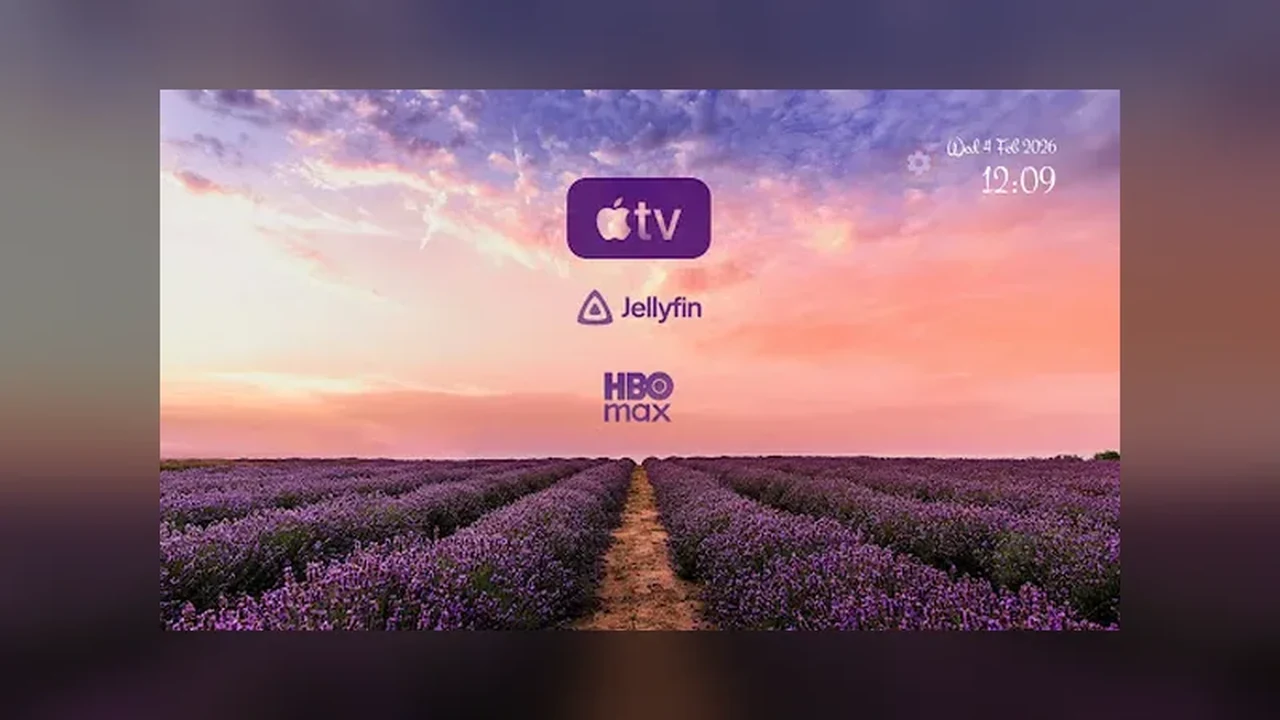 Customize Your Projectivy Launcher Home Screen: Wallpaper, Icons, and Rows
Make Projectivy Launcher yours: pick a wallpaper that fits the room, use a consistent icon style, and order rows for remote-first navigation.
Read guide →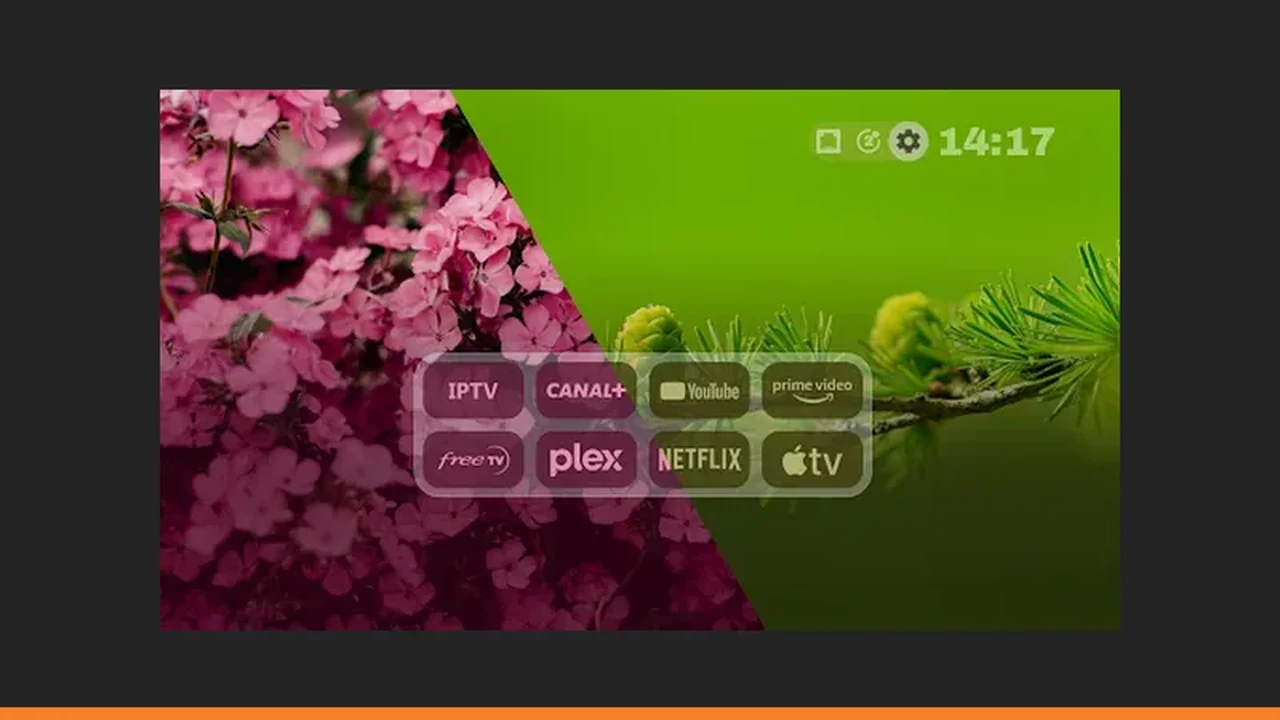 Projectivy Launcher Remote Shortcuts and Input Sources Explained
Use Projectivy Launcher remote shortcuts to jump straight to HDMI and AV inputs, launch a favourite app on boot, and cut the input menu hunt.
Read guide →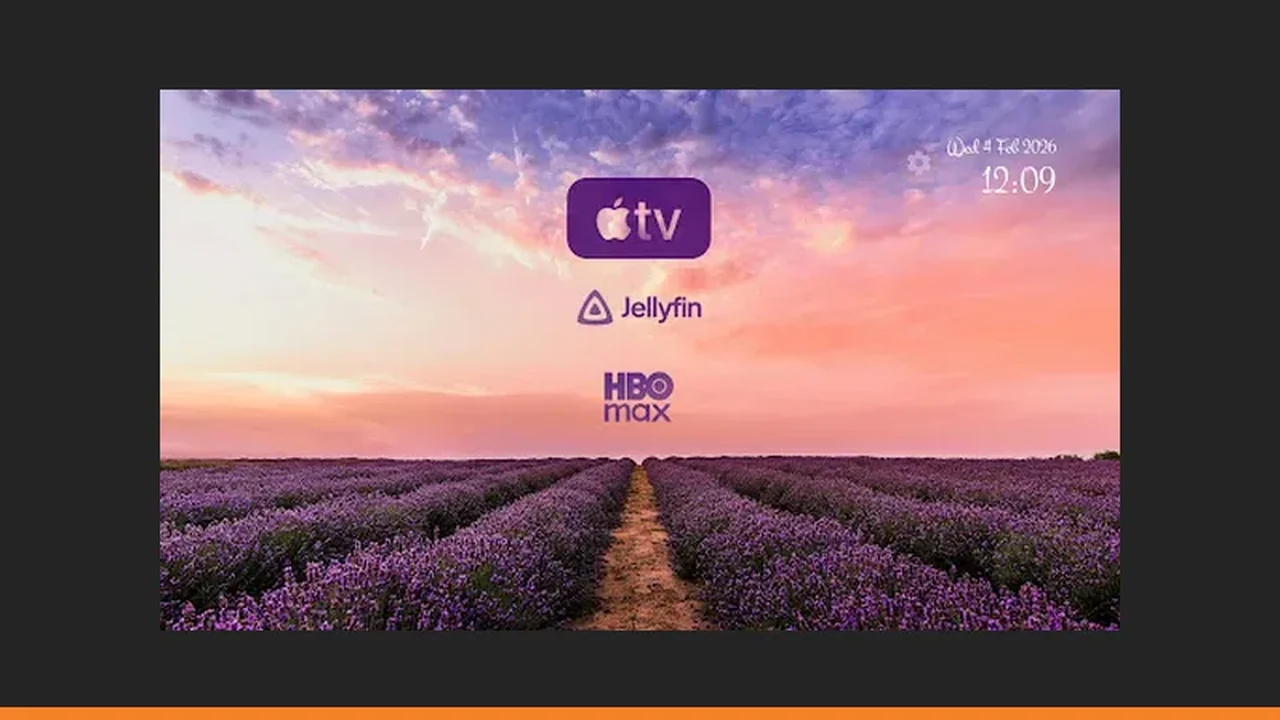 Projectivy Launcher Parental Controls: A Calmer TV for Children
Use Projectivy Launcher parental controls to shape what children can reach, keep child-friendly rows on top, and make the TV usable for the whole family.
Read guide →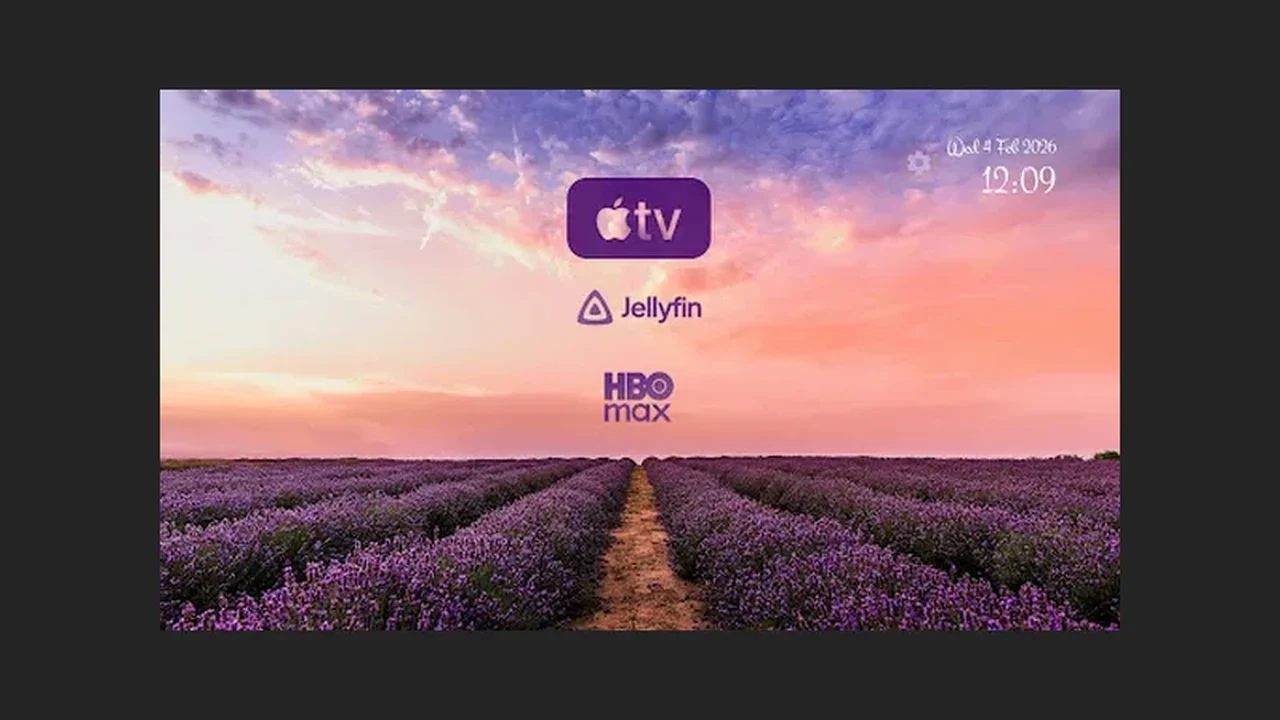 Projectivy Launcher Wallpapers: Animated Backgrounds, Tuning, and Calibration
Choose and tune Projectivy Launcher wallpapers, from animated backgrounds to brightness and blur, and use calibration patterns to fine-tune your display.
Read guide →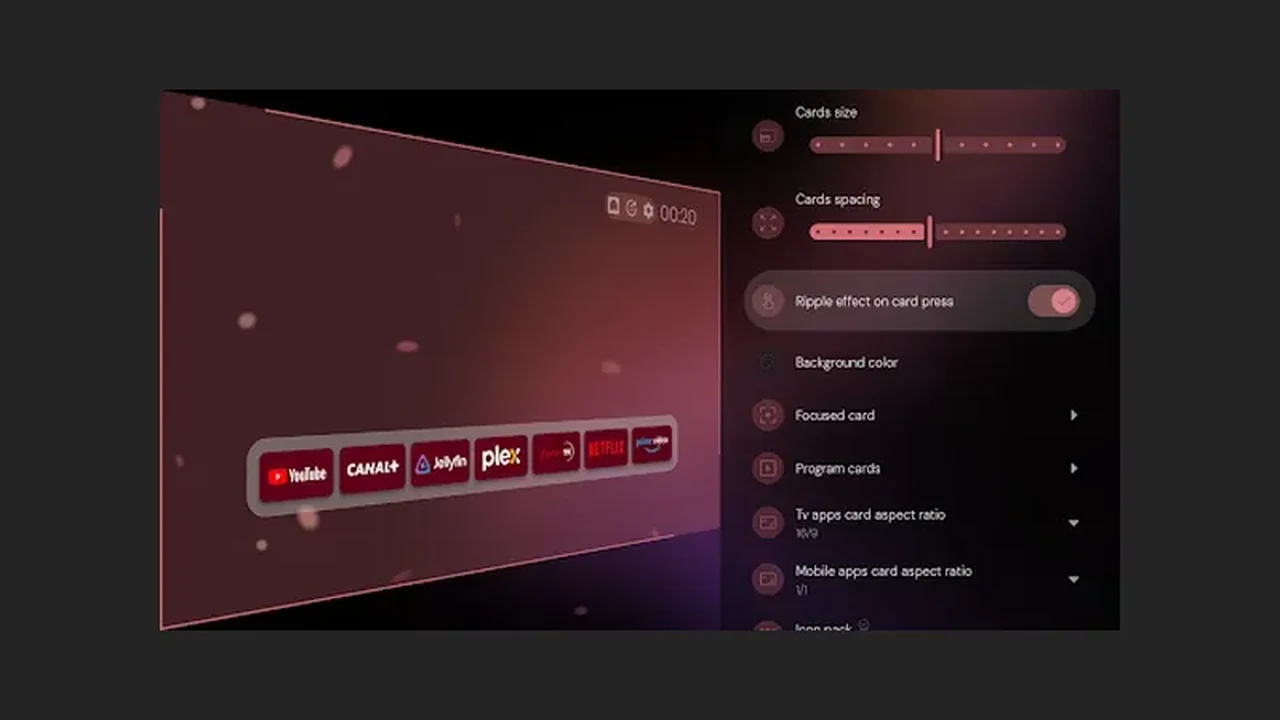 Fix Common Projectivy Launcher Problems: Default, Slow Navigation, and Inputs
Fix the most common Projectivy Launcher problems: the default launcher prompt, slow navigation on older TVs, dead input shortcuts, and wallpaper issues.
Read guide →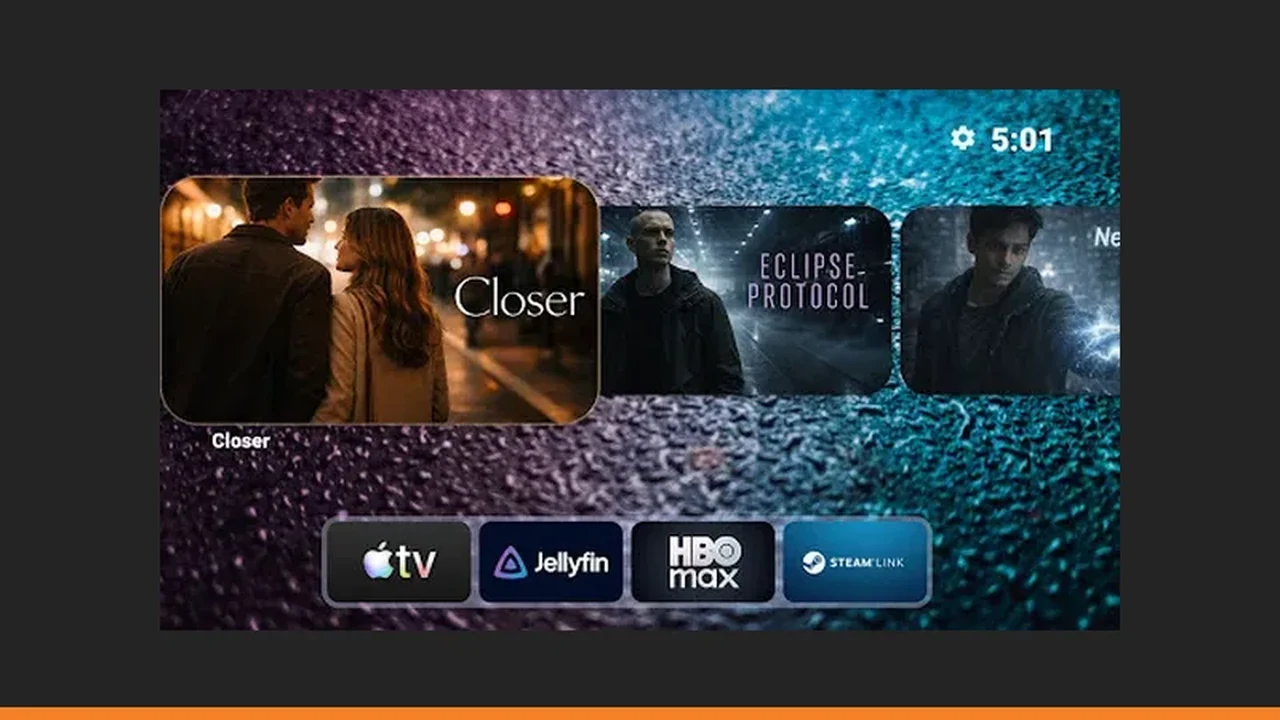 Projectivy Launcher Categories and Channels: Organize Apps Into Rows That Make Sense
Organize Projectivy Launcher into categories and channels that match your household: rows for people, not apps, ordered for remote distance.
Read guide →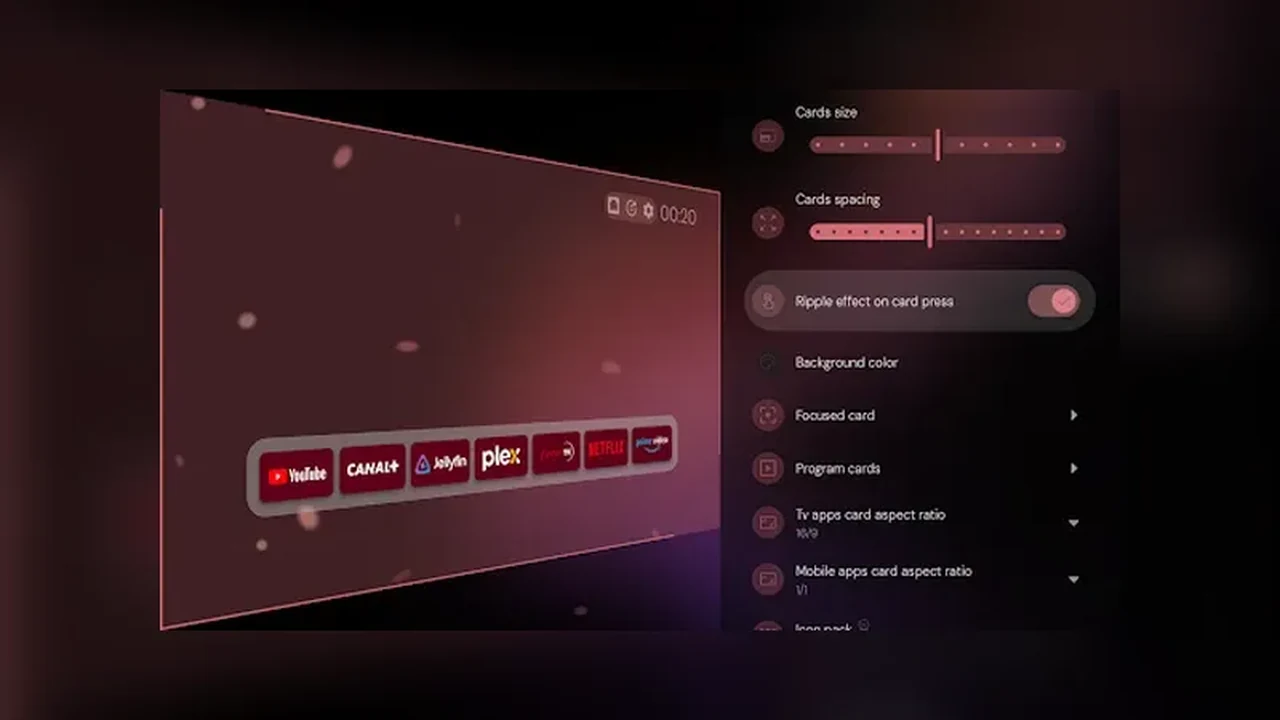 Projectivy Launcher Backup and Restore: Save Your Layout Before You Need It
Back up your Projectivy Launcher layout before big changes, and restore it on a new TV instead of rebuilding rows by hand.
Read guide →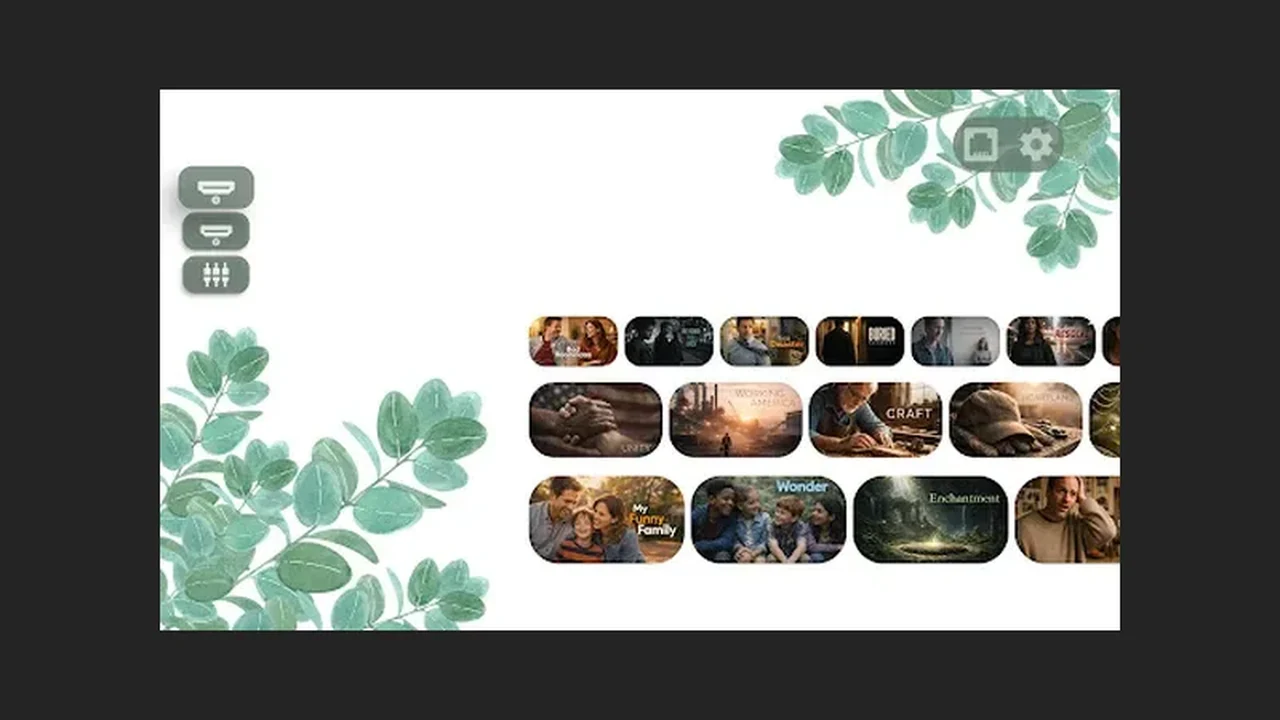 Projectivy Launcher on Older TVs: Keep Navigation Fast on Slow Hardware
Keep Projectivy Launcher fast on an older TV: still wallpapers, fewer rows, and a restart habit that beats buying a new TV.
Read guide →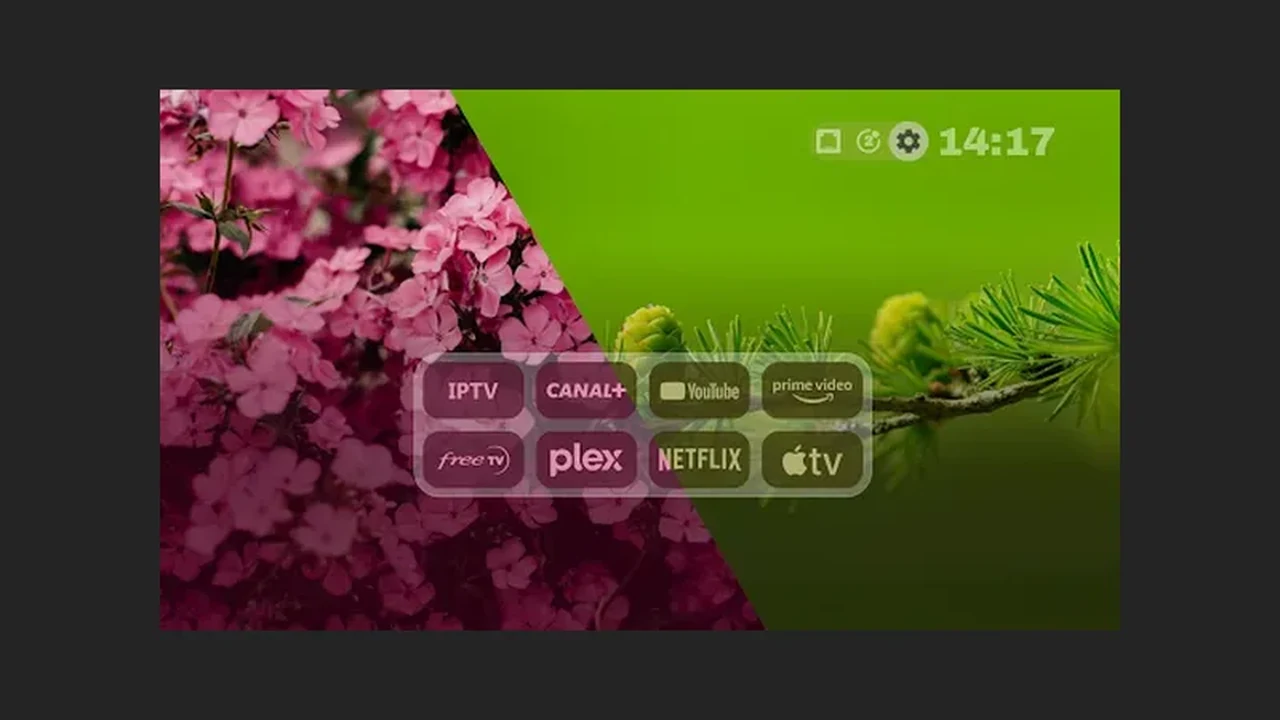 Projectivy Launcher HDMI Input Shortcuts: Switch Sources Without the Menu Hunt
Set up Projectivy Launcher HDMI input shortcuts so one tile switches to a console, set top box, or streaming stick without TV menus.
Read guide →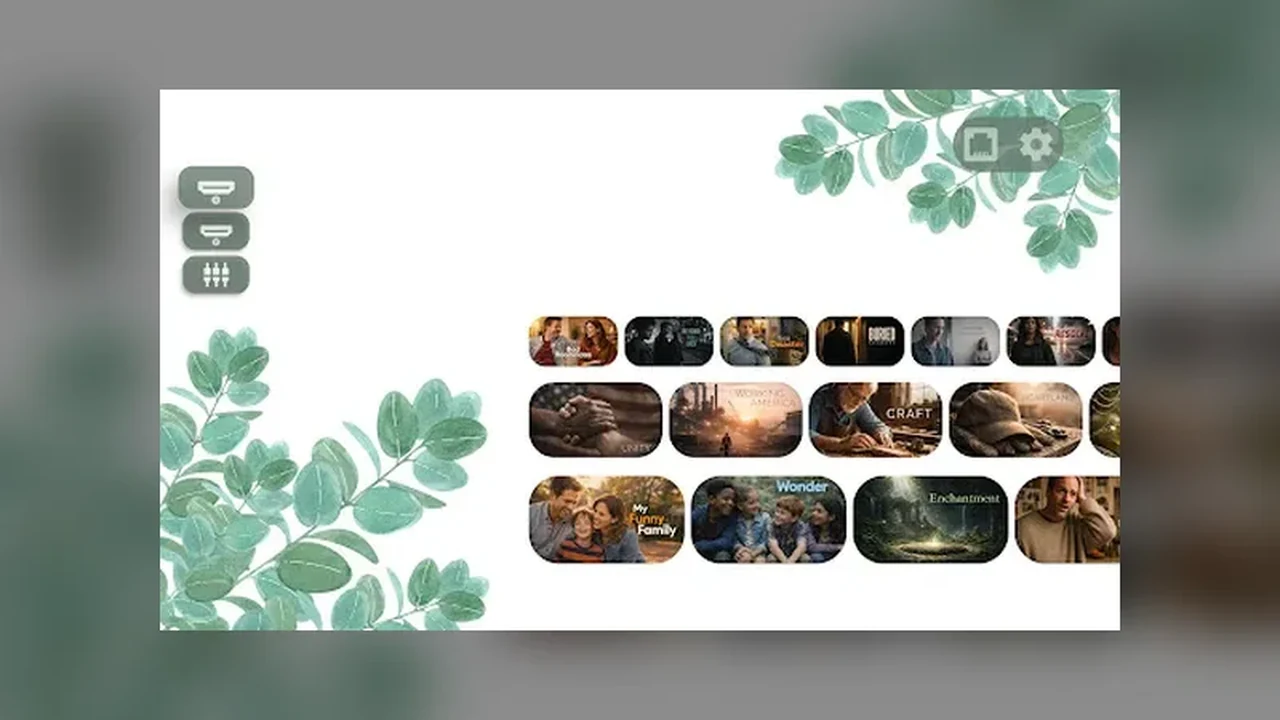 Projectivy Launcher Custom Icons: Rename Apps and Match One Icon Style
Use Projectivy Launcher custom icons and renames so the whole home screen reads clearly from the sofa, in one consistent style.
Read guide →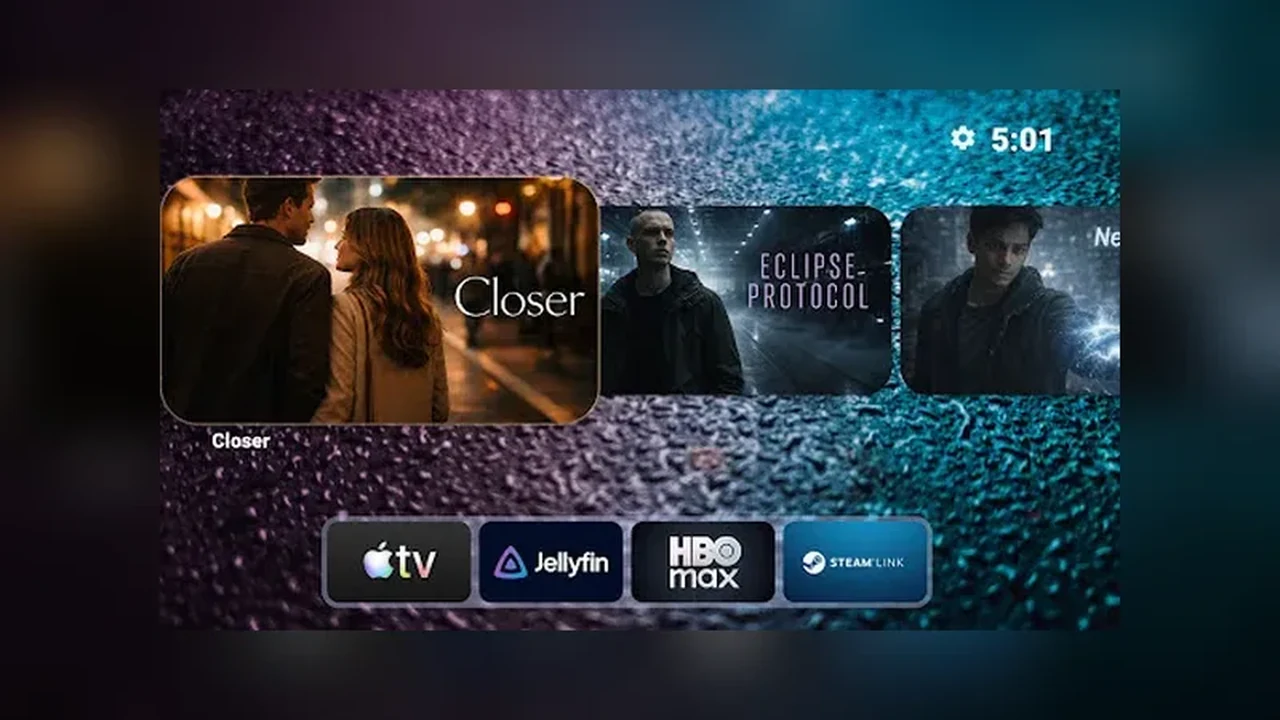 Projectivy Launcher Family TV Setup: One Home Screen for Every Age
Build a Projectivy Launcher family TV setup with rows per person, a kids row on top, and labels older viewers can read from the sofa.
Read guide →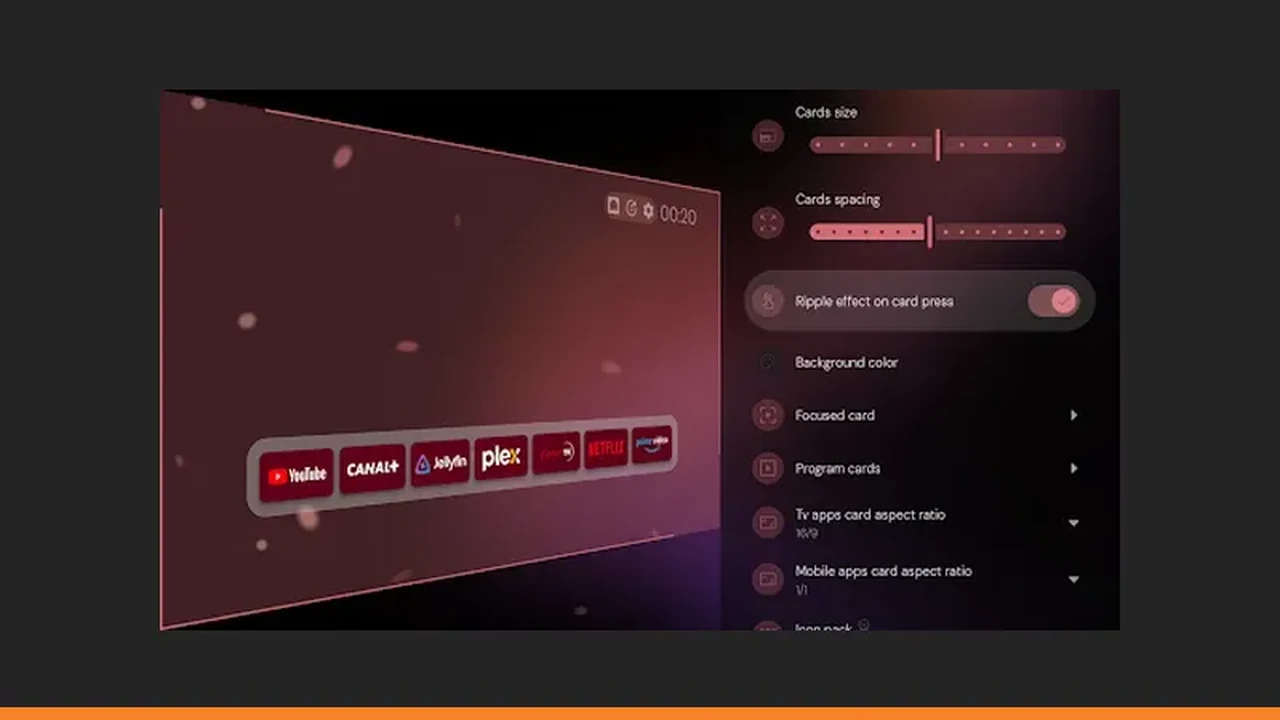 Projectivy Launcher Calibration Patterns: Tune Your TV Picture With Built In Tests
Use Projectivy Launcher calibration patterns, including 4K and judder tests, to tune your TV picture after you change picture settings.
Read guide →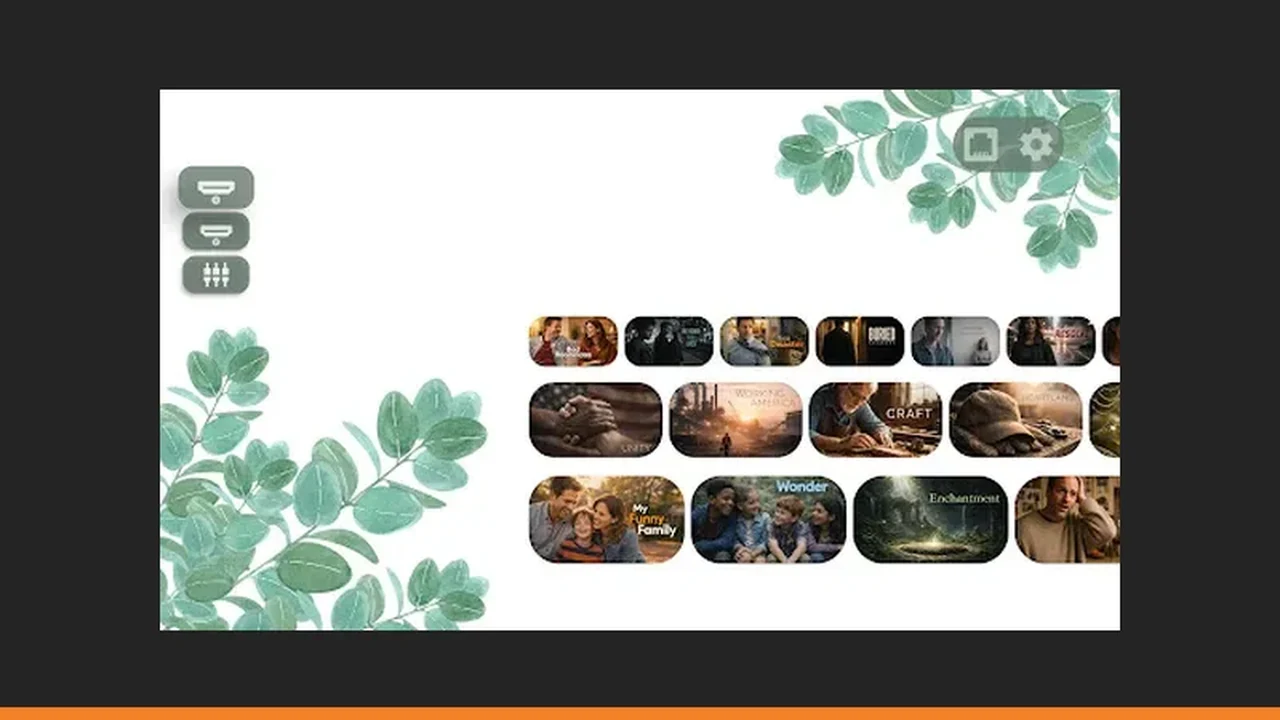 Projectivy Launcher Projector Setup: A Calm Home Screen on the Big Wall
Set up Projectivy Launcher on a projector: dark room wallpapers, bigger labels, input shortcuts, and a boot target for movie nights.
Read guide → Projectivy Launcher Set Top Box Setup: Make a Small Box Feel Like a Real TV
Install Projectivy Launcher on a set top box, set it as default, and build rows and input shortcuts that suit a small box and a simple remote.
Read guide → Projectivy Launcher Accessibility: Larger Labels and a Remote Only Home Screen
Make Projectivy Launcher accessible with larger labels, high contrast wallpapers, simple row order, and a remote only test from the sofa.
Read guide → Moving From Your Stock Launcher to Projectivy Launcher: What Changes
What changes when you move from a stock launcher to Projectivy Launcher: what disappears, what to set first, and when stock is enough.
Read guide →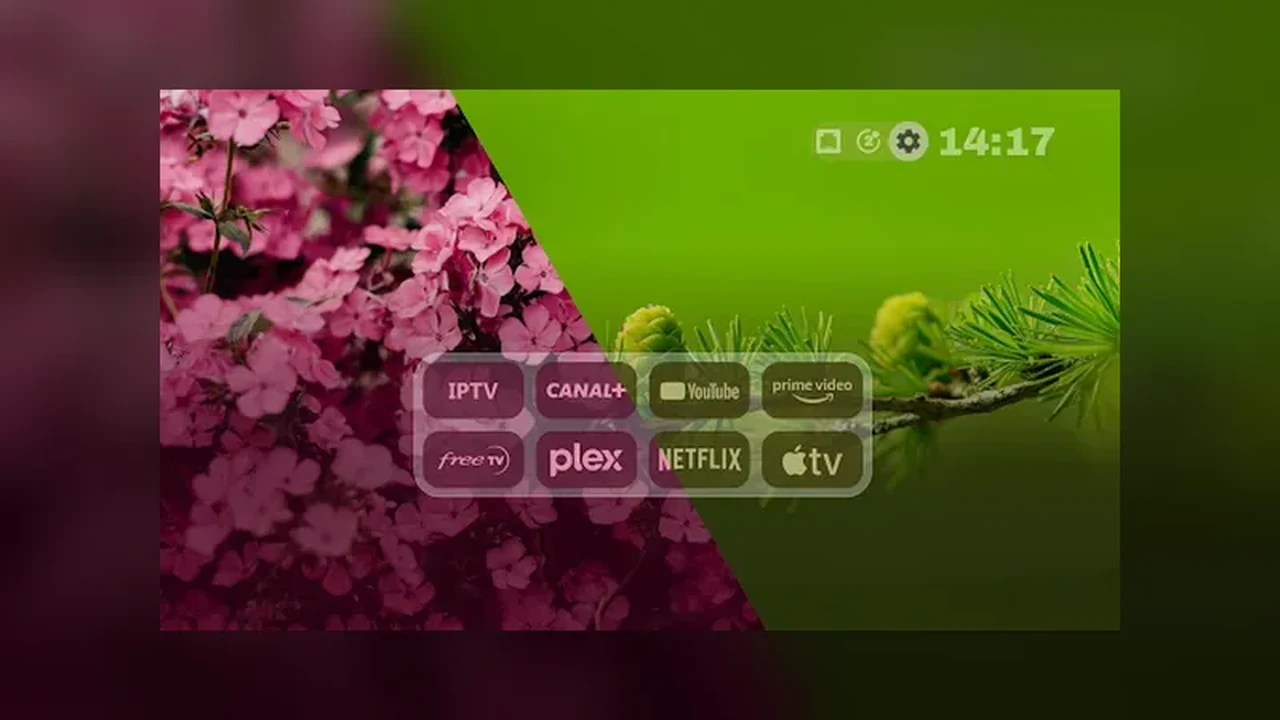 Projectivy Launcher Channels and Rows: Continue Watching Without Scrolling
Use Projectivy Launcher channels and rows so continue watching sits on top, dead rows hide, and the evening starts in one press.
Read guide →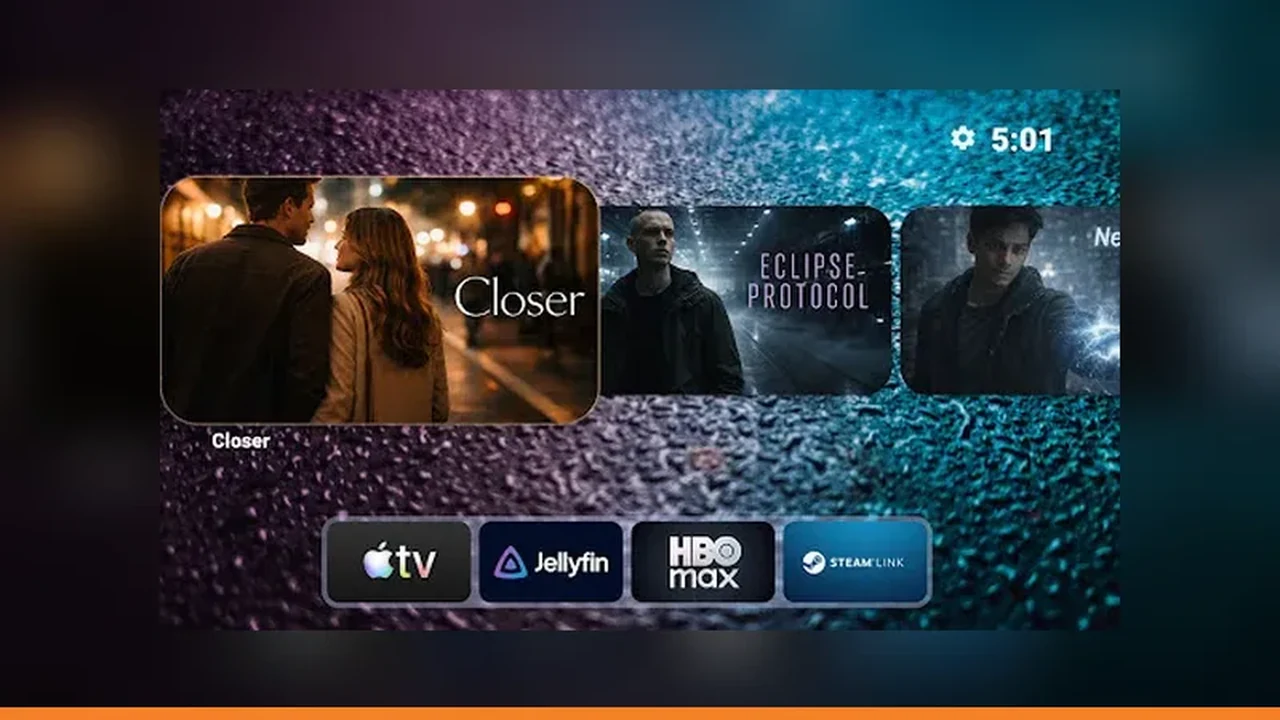 Projectivy Launcher Movie Night: Set the TV So Guests Find Films Fast
Prepare Projectivy Launcher for movie night: a films row on top, a boot target, an input shortcut, and a dim wallpaper for the evening.
Read guide →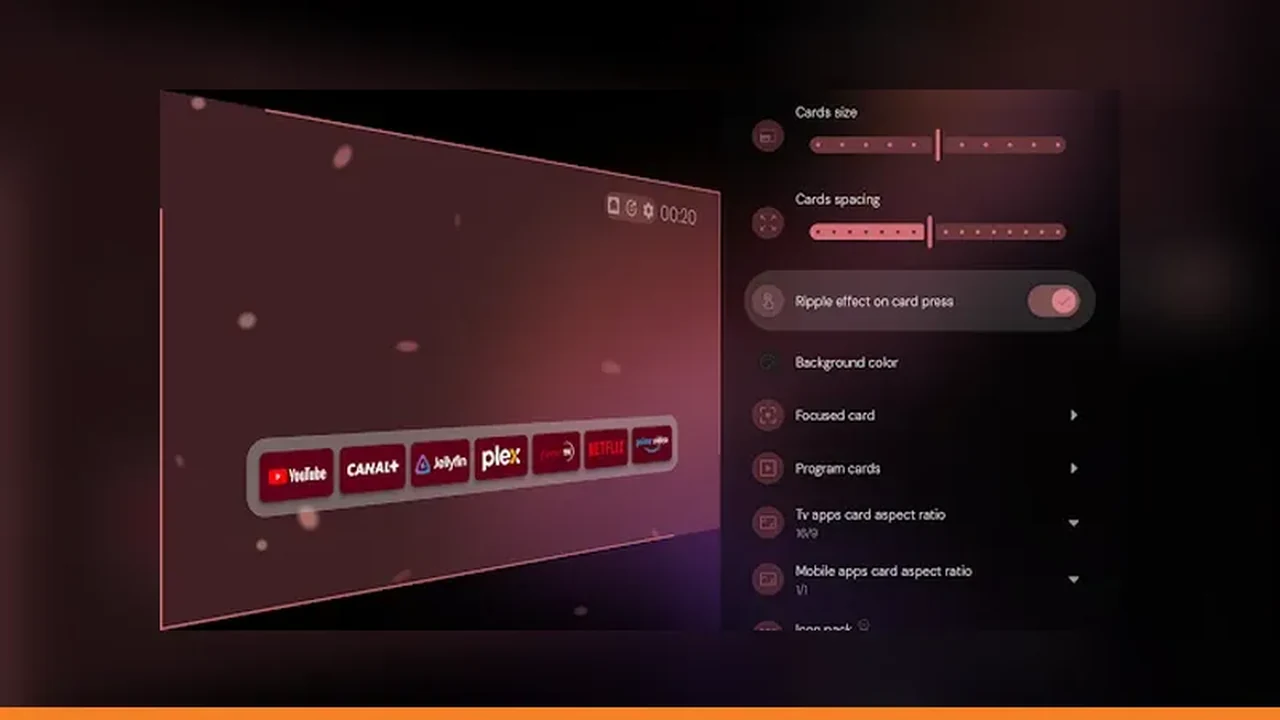 Projectivy Launcher After an Update: A Two Minute Check of Rows and Shortcuts
After a Projectivy Launcher update, spend two minutes checking categories, input shortcuts, and wallpaper, and restore from backup if a row is missing.
Read guide →