
Guide
Projectivy Launcher After an Update: A Two Minute Check of Rows and Shortcuts
After a Projectivy Launcher update, spend two minutes checking categories, input shortcuts, and wallpaper, and restore from backup if a row is missing.

On this page
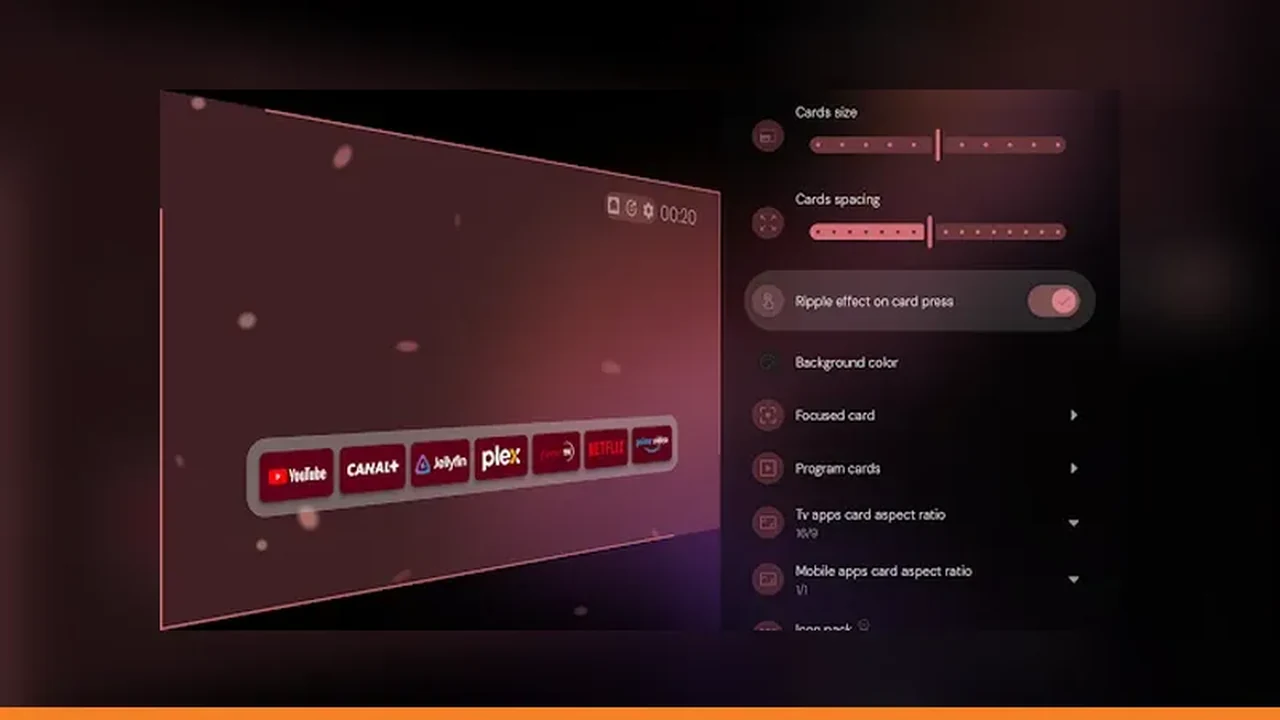
Updates should be boring, and a two minute check keeps them that way. Start from Projectivy Launcher home screen app and confirm rows and shortcuts before movie night discovers a problem.
Layout carries over
Projectivy Launcher updates arrive through the official listing, like any other TV app, and your layout and settings normally carry over untouched. Open the launcher after an update and look before you change anything: rows, wallpaper, and shortcuts should all be where you left them. Most updates need no action at all, and the check below takes two minutes.
Check categories first
Check categories first, because a missing row is the easiest update surprise to spot and the most annoying on movie night. Scroll each row once and confirm the apps are present. If a row is missing, do not rebuild it by hand yet: a restore from backup is faster and restores the row order exactly. See also the backup and restore guide for the step by step version.
Test input shortcuts
Test every input shortcut from the remote after an update, especially the one the household uses daily. Updates rarely change a shortcut, but a quick test beats discovering a dead tile when guests are waiting. Recreate any shortcut that does nothing, pointing it at the right source on the TV. Pair this with the fixes guide when you rebuild the rows.
Re-backup when it looks right
Once categories and shortcuts check out, make a fresh backup. The post update Projectivy Launcher layout becomes the new known good state, and the next update starts from there. Two minutes after each update, spent on this check, prevents the only update problem that matters: discovering a missing row at the worst moment.
Quick Answers
Do updates erase my Projectivy Launcher layout?
Normally no. Layout and settings carry over through the official listing updates. Check rows and shortcuts after an update just in case.
A row is missing after an update. What now?
Restore from backup instead of rebuilding by hand. A backup restores the row order exactly.