
Guide
Projectivy Launcher Family TV Setup: One Home Screen for Every Age
Build a Projectivy Launcher family TV setup with rows per person, a kids row on top, and labels older viewers can read from the sofa.

On this page
A family TV has to work for the youngest viewer and the oldest viewer on the same evening. Start from Projectivy Launcher Android TV launcher and give each person a row they can reach without help.
One row per person
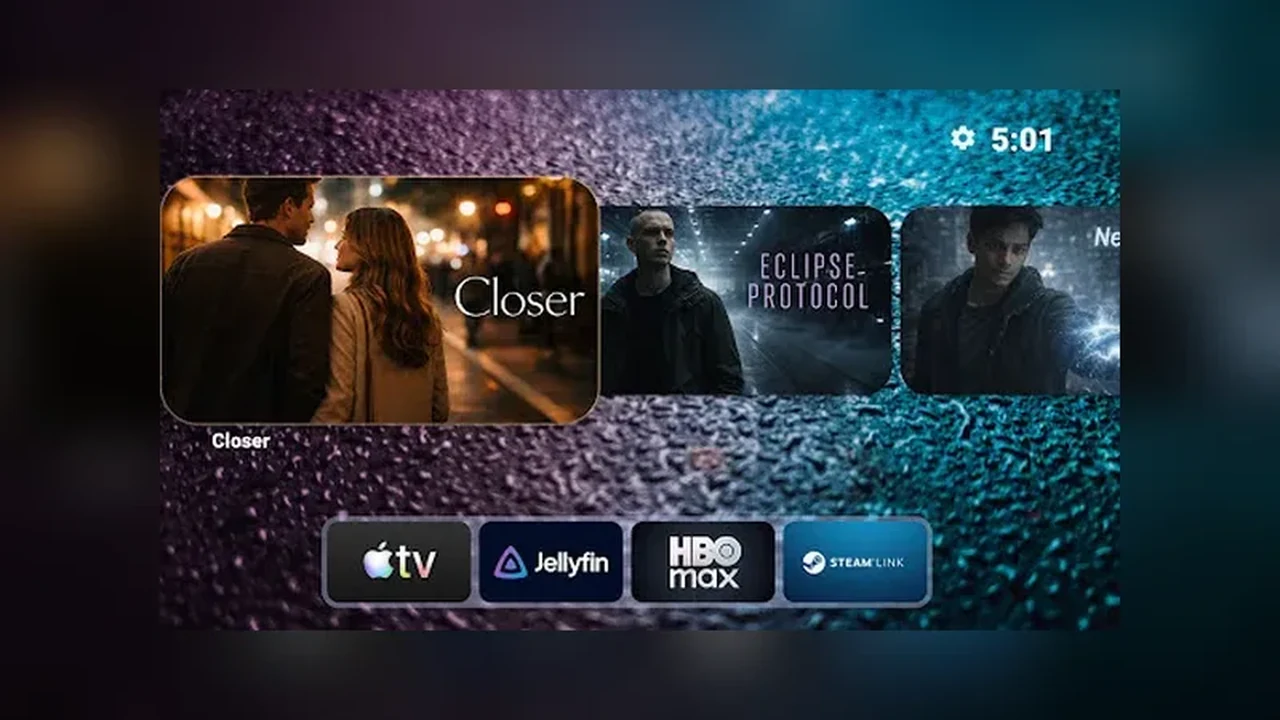
A family TV fails when it is built for one person. Give each regular viewer a row: one for children, one for the adults who watch the news, one for films the whole family shares. Nobody has to scroll past rows they never open, and nobody needs a tutorial to find their own row. The Projectivy Launcher home screen becomes a set of front doors, not a single crowded hallway.
Kids row on top
Put the child friendly row at the top, with short plain names and clear icons. A child should reach cartoons with a few remote presses and no help, and should never need to pass adult rows to get there. Move apps that are not for children into a lower category, out of sight, because out of sight is surprisingly effective with young viewers. See also the parental controls guide for the step by step version.
Older viewers first too
The same choices that help children help older viewers: larger clear labels, a high contrast wallpaper, and a short row order. If grandparents watch the news every evening, their row belongs near the top, not buried fifth down. A Projectivy Launcher family home screen is judged by its hardest viewer, not its most confident one. Pair this with the home screen customization guide when you rebuild the rows.
Review it together
Review the rows together every few months, because children grow and habits change. Promote apps a child has grown into, retire rows nobody opens, and ask each person which row they actually use. A ten minute family review beats a yearly rebuild, and it keeps the TV feeling like it belongs to everyone.
Quick Answers
How do I keep adult apps away from children?
Move them into a lower category out of the main rows. A tidy home screen is itself a safety feature, because children open what they can see.
Should every family member get a row?
Give a row to each regular viewer, but keep the total low. Three or four rows beat eight, because the remote moves one step at a time.