
Guide
Projectivy Launcher HDMI Input Shortcuts: Switch Sources Without the Menu Hunt
Set up Projectivy Launcher HDMI input shortcuts so one tile switches to a console, set top box, or streaming stick without TV menus.

On this page
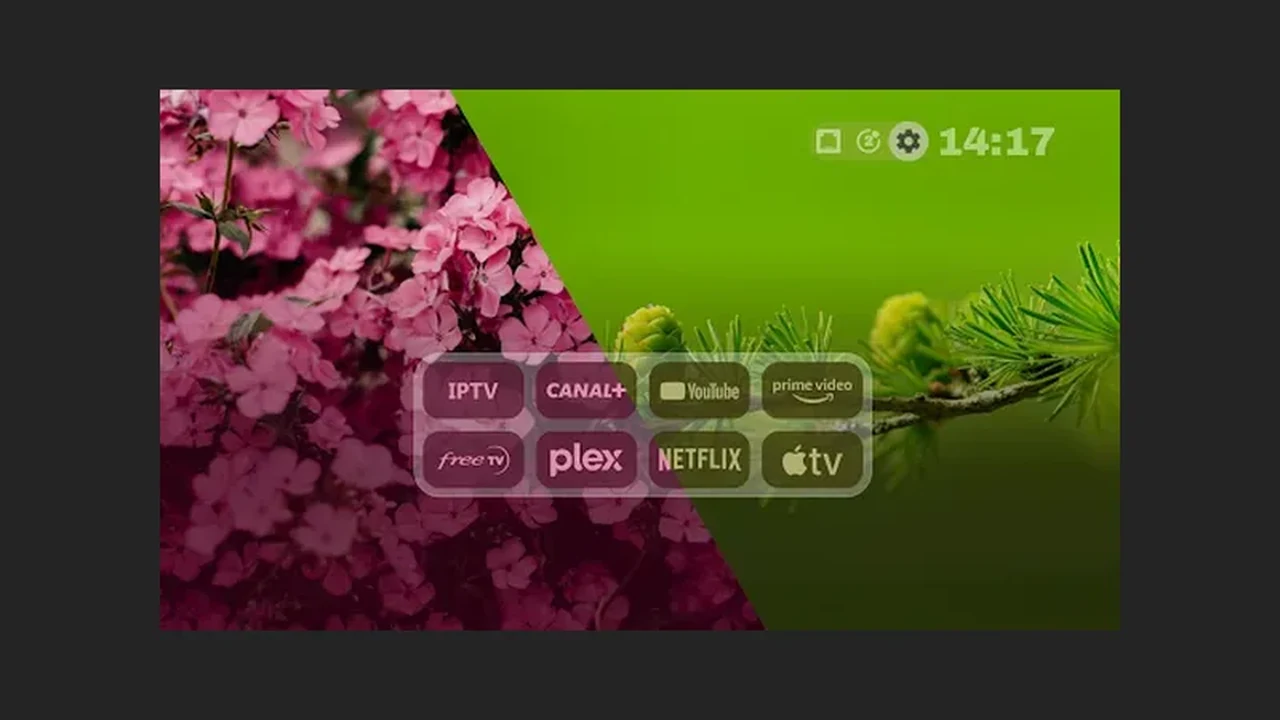
The input menu is the most hated screen in the house. Start from Projectivy Launcher TV app and give every plugged in source its own tile, and switching sources becomes one press.
One tile per input
Give each plugged in source exactly one tile: one for the set top box, one for the console, one for the streaming stick. A tile that jumps straight to an HDMI input removes the worst part of TV ownership, which is hunting through input menus while everyone waits. Label each tile with the device name your household says, not the port number.
Label it in plain words
Port numbers mean nothing from the sofa. A tile called Games is found faster than a tile called HDMI 2, and a tile called Cable is clearer than HDMI 1. Rename the shortcut when a device moves ports, because a stale label sends the household to a dead input and teaches them to stop trusting the tiles. See also the remote shortcuts guide for the step by step version.
Test from the remote
After adding a shortcut, test it from the remote exactly as a guest would: from the home screen, one press, eyes on the TV. If the input switches, the job is done. If nothing happens, check the input on the TV itself first, then recreate the shortcut pointing at the right source, since hardware support varies by model. Pair this with the Projectivy Launcher setup guide when you rebuild the rows. Get it from the Projectivy Launcher download page if you have not installed it yet.
Boot straight to an input
For a household that watches one source most evenings, set the launcher to open that input when the TV turns on. The TV becomes ready instead of merely on, and children and guests never meet the input menu at all. Change the boot target when habits change, because a boot target from last year may no longer match this year.
Quick Answers
Why does my input shortcut do nothing?
Check that the input exists on the TV and that the shortcut points at the right source. Hardware support varies by model, so a shortcut that works on one TV may do nothing on another.
Should I add a shortcut for every input?
No. Add one per input with something plugged in. Dead tiles for empty ports clutter the home screen and confuse guests.