
Guide
Projectivy Launcher Projector Setup: A Calm Home Screen on the Big Wall
Set up Projectivy Launcher on a projector: dark room wallpapers, bigger labels, input shortcuts, and a boot target for movie nights.

On this page
A projector turns a wall into a TV, but the home screen rules change with the room. Start from Projectivy Launcher app for TV and build a projector layout for dark rooms and long viewing distances.
Projector rooms are dark rooms
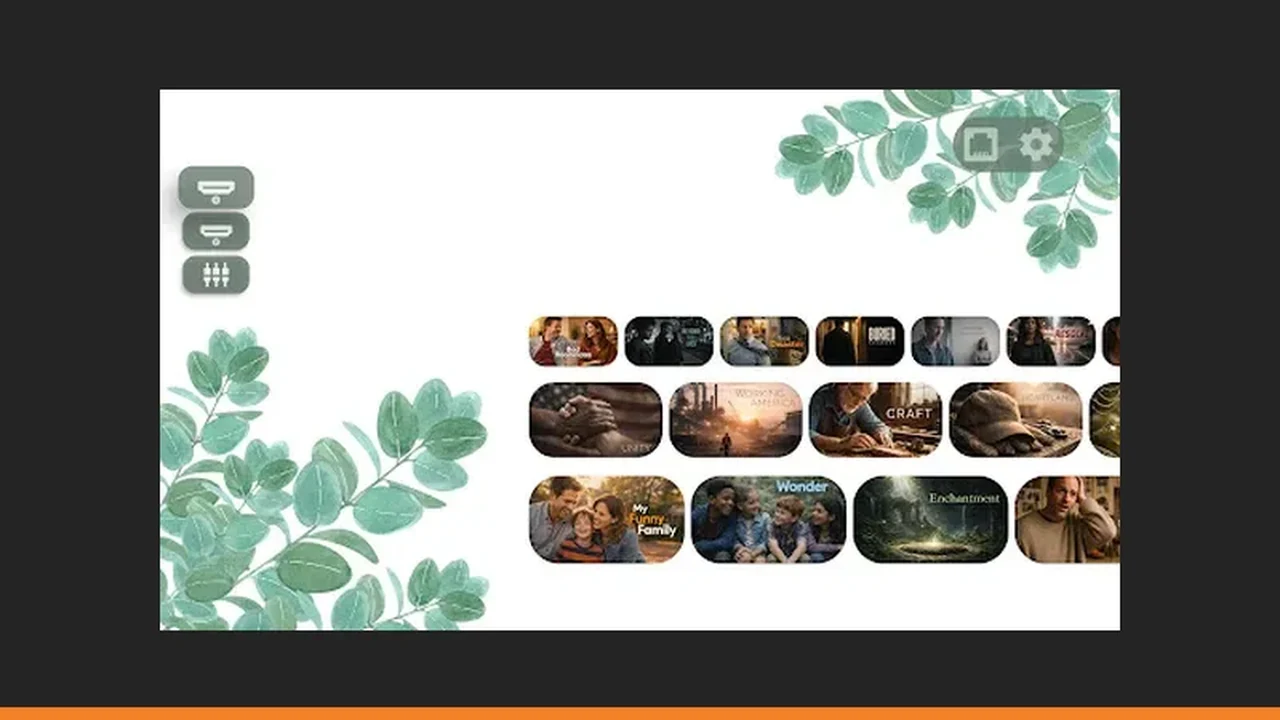
A projector room is a dark room, and a dark room changes every home screen choice. Bright wallpapers that look fine on a TV wash out a projected image and tire the eyes. Pick a dark, low brightness wallpaper, raise contrast until labels read clearly, and let the projected rows breathe against a quiet background.
Bigger labels, bigger screen
A projected Projectivy Launcher home screen is larger than a TV, but viewers often sit further back, so labels must be bigger, not smaller. Use short names, one consistent icon style, and fewer rows than you would on a TV. From the back of the room, a five row projector screen reads worse than a three row TV screen. See also the wallpaper guide for the step by step version.
Inputs matter more on projectors
Projectors switch sources more often than TVs: a console one night, a laptop the next, a streaming stick after that. Give each source an input shortcut tile with a plain name, and test each one from the remote before movie night. An input hunt in a dark room, with a projector warming up, is the slowest hunt of all. Pair this with the home screen customization guide when you rebuild the rows.
Boot to movie night
Set Projectivy Launcher to open the films row or the most used input when it turns on. Guests should meet a ready screen, not a settings menu, and the host should not need to drive the remote for the first ten minutes. Back up the layout once it works, because projector rooms get rearranged more than living rooms.
Quick Answers
Why does my projector home screen look washed out?
Bright wallpapers wash out projected images. Switch to a dark, low brightness wallpaper and raise contrast until labels read clearly.
Do input shortcuts work on projectors?
They work where the projector exposes its inputs to the launcher. Test each shortcut from the remote, since hardware support varies by model.